

Call History & Intelligence
Inspect call logs, listen to full audio recordings with interactive waveforms, review synchronized turn-by-turn transcripts, and audit extracted JSON entities.
Overview
The Call History module (under Call Operations) provides complete visibility into every voice interaction handled across your workspace. You can search, filter, and drill into individual call sessions to inspect conversation transcripts, listen to recordings, and review AI analytics.
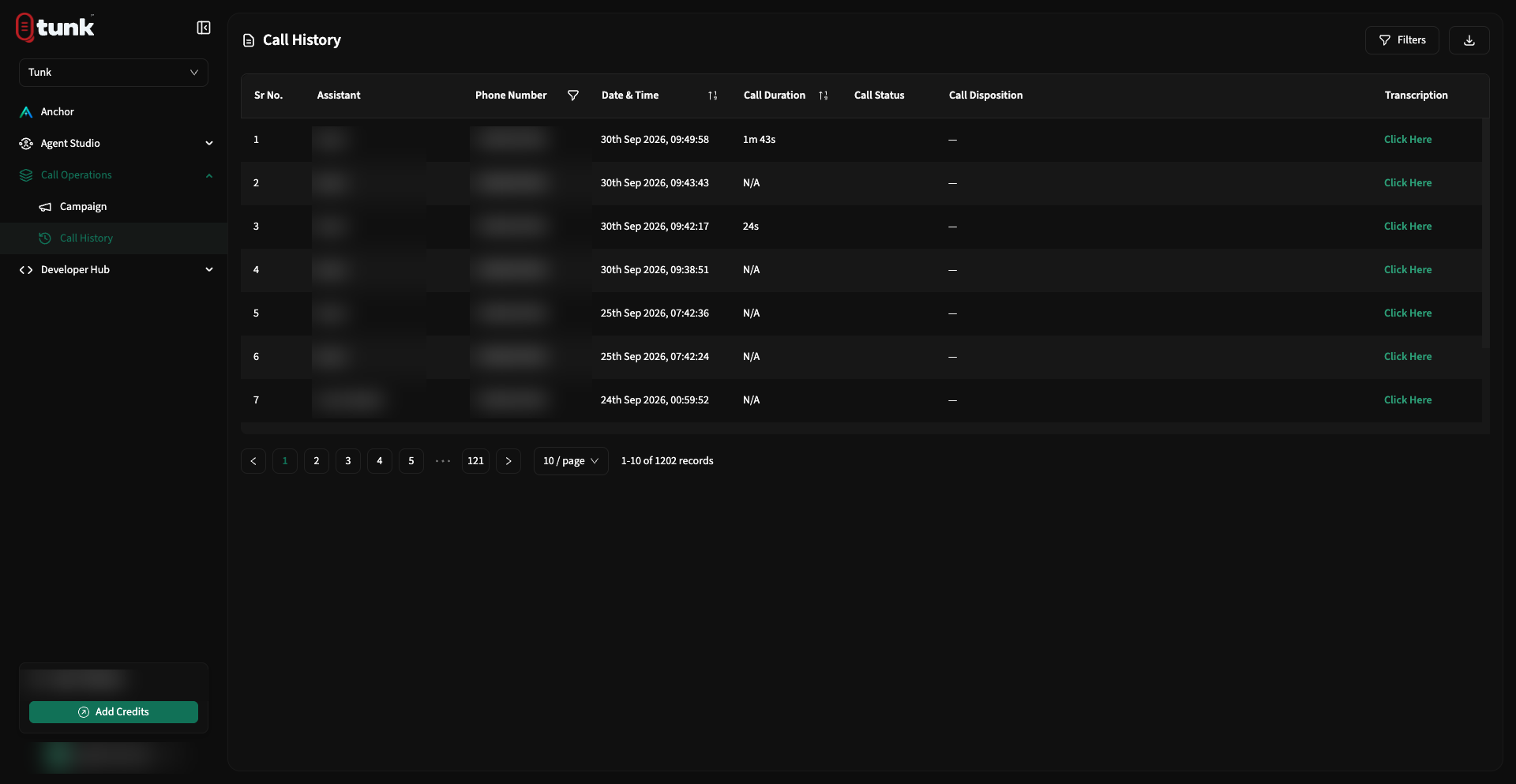 Call History Records
Filtering & Searching Records
Easily locate specific calls using the top filter controls:
- Date Range: Filter by past 1 hour, 24 hours, 7 days, 30 days, or custom date ranges.
- Assistant: Filter records by a specific AI assistant.
- Phone Number: Search by caller or recipient phone number.
- Status: Filter by
Completed,Failed,No Answer,Busy, orTransferred. - Disposition: Filter by post-call evaluation outcome tags.
Interactive Audio Waveform Player
Click on any call row to open the detailed inspection drawer:
- Waveform Seek Bar: Visual representation of speaker turns and audio amplitude.
- Playback Controls: Play, pause, jump forward/backward 10 seconds.
- Variable Speed: Listen at
0.75x,1.0x,1.25x,1.5x, or2.0xspeeds. - Download Audio: Export the full stereo
.wavor.mp3recording for external archiving or quality assurance.
Conversational Transcripts
The Transcription tab provides the complete turn-by-turn dialogue between the caller and the assistant:
- Speaker Labels: Clear separation between
UserandAssistant. - Timestamps: Microsecond-accurate timestamps for each conversational turn.
- Latency Indicators: Review turnaround response times for individual turns to identify latency bottlenecks.
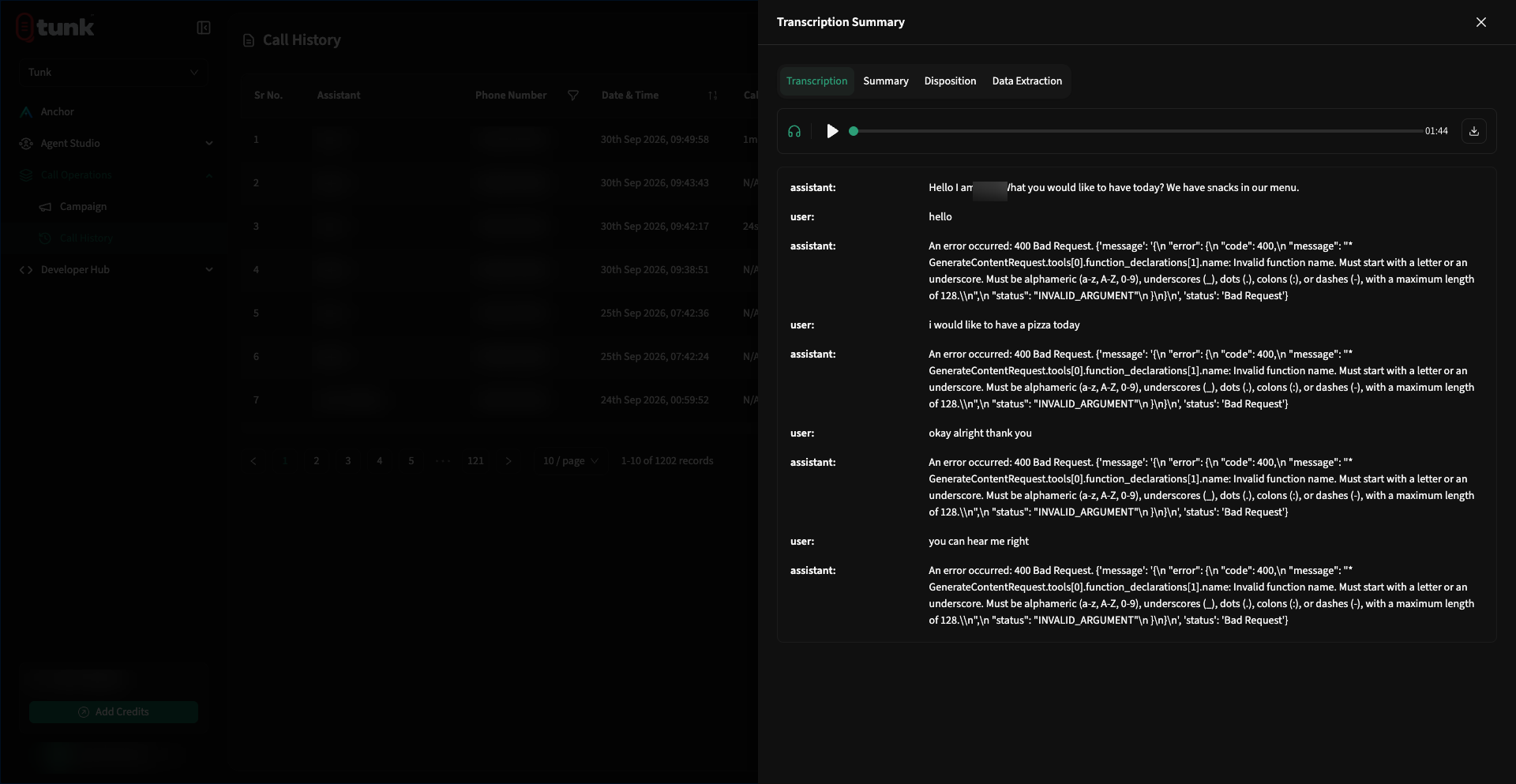 Call Transcription Detail
AI Summary & Post-Call Insights
The Summary tab displays the automated evaluation computed after call completion:
- AI Concise Summary: High-level recap of why the caller reached out and the final resolution.
- Sentiment Score: Overall caller emotional rating (
Positive,Neutral, orNegative). - Applied Disposition: Categorized outcome tag.
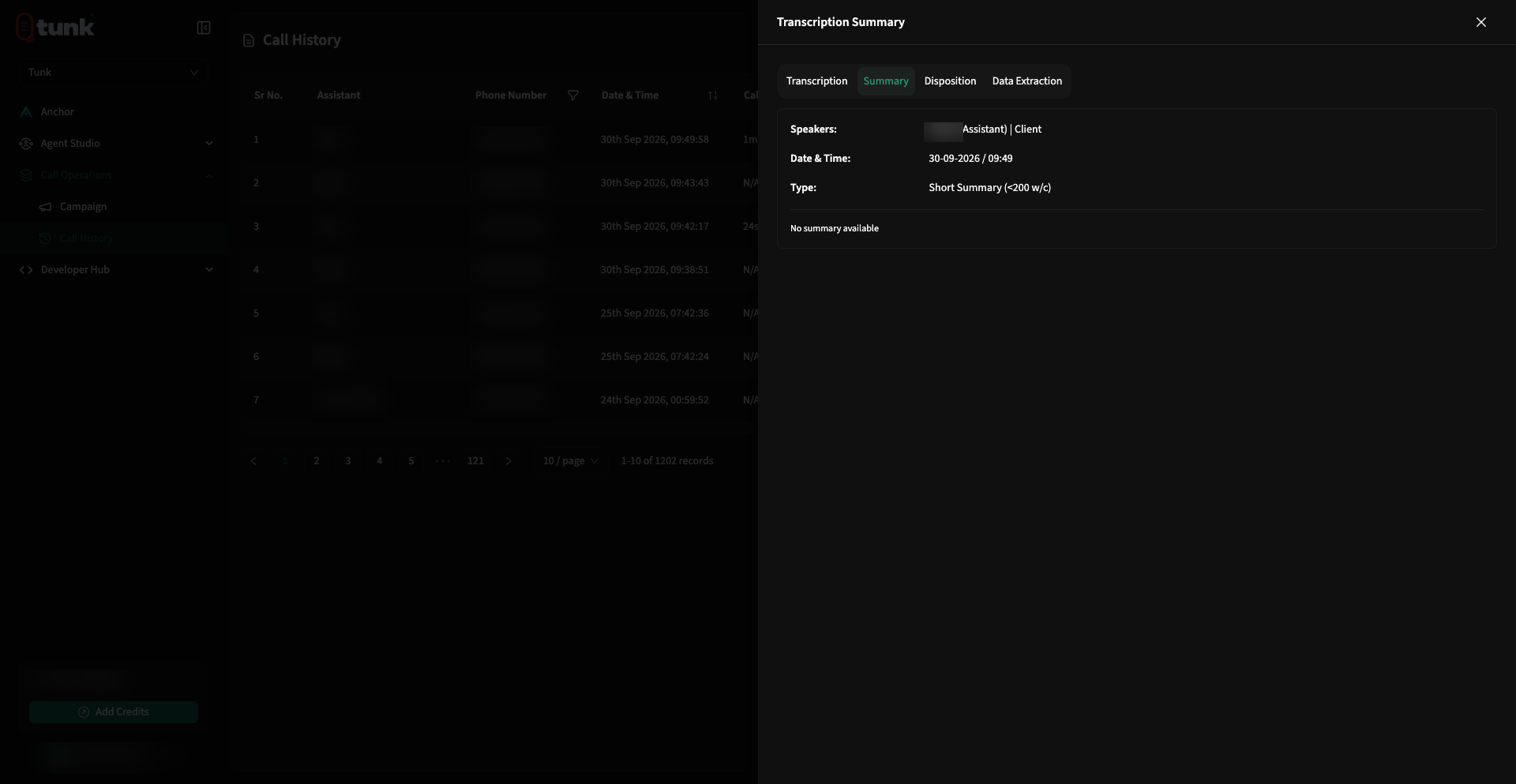 Call AI Summary Detail
Extracted Structured Data
The Data Extraction tab displays all structured JSON fields configured in the assistant's Analytics Tab:
- Inspect extracted entities (e.g., appointment times, vehicle models, cancellation reasons, mailing addresses).
- Copy JSON payloads directly for manual CRM entry or verify that webhook payloads fired correctly.
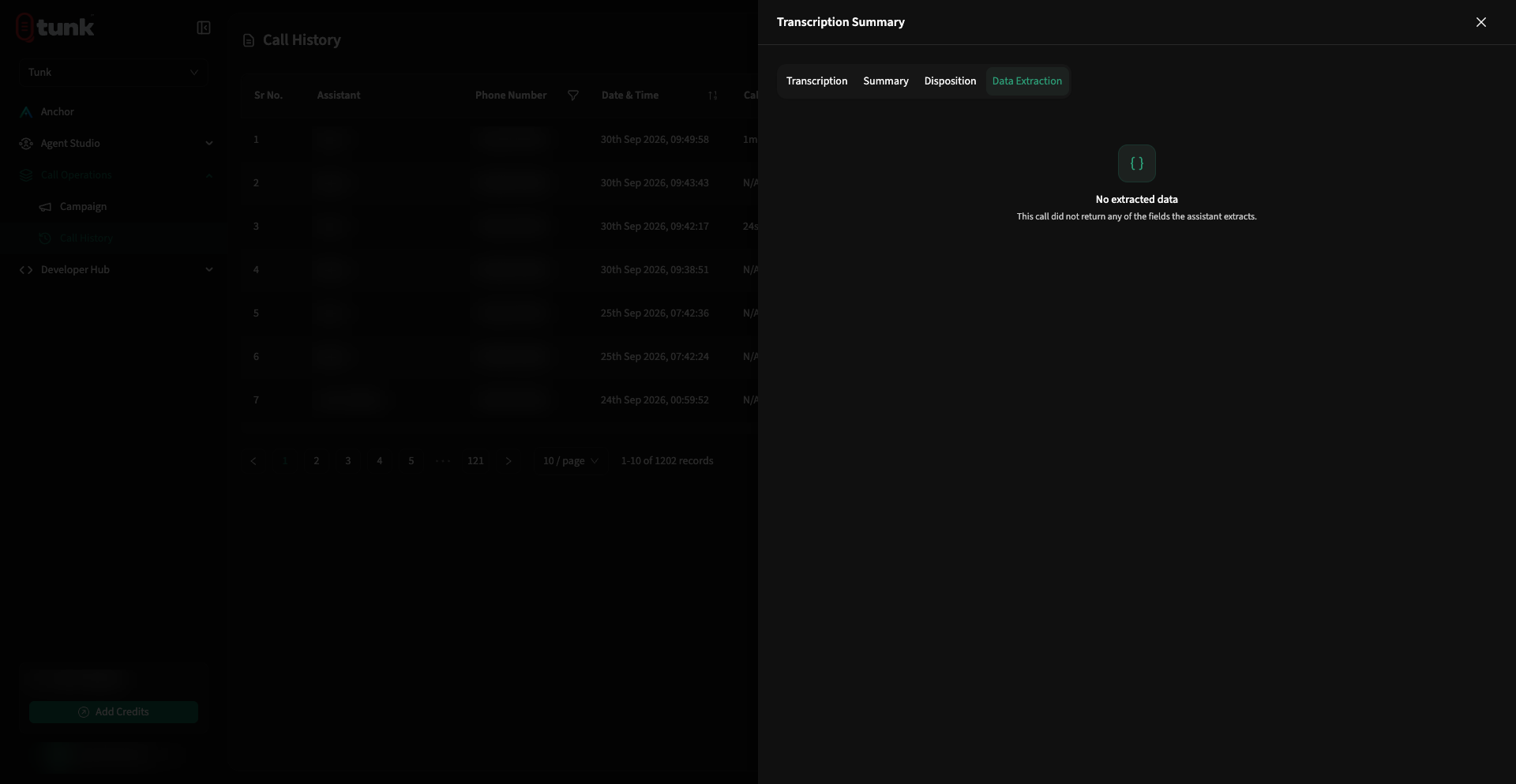 Call Data Extraction Detail