

Conversational assistant builder, real-time diagnostics, and in-browser testing
Anchor AI
Anchor is your built-in AI assistant designed to help you build, diagnose, test, and optimize conversational voice assistants using natural language.
What is Anchor?
Anchor combines real-time Server-Sent Events (SSE) streaming, codebase inspection, multi-step tool execution, and WebRTC audio testing into an interactive AI interface.
Instead of configuring dozens of parameters manually, you can ask Anchor to:
- Generate complete assistant prompts, persona guidelines, and opening messages.
- Audit your workspace assistants, custom tools, and phone number bindings.
- Initiate test calls and analyze live latency, speech recognition accuracy, and tool invocation failures.
- Recommend actionable improvements based on past conversation transcripts.
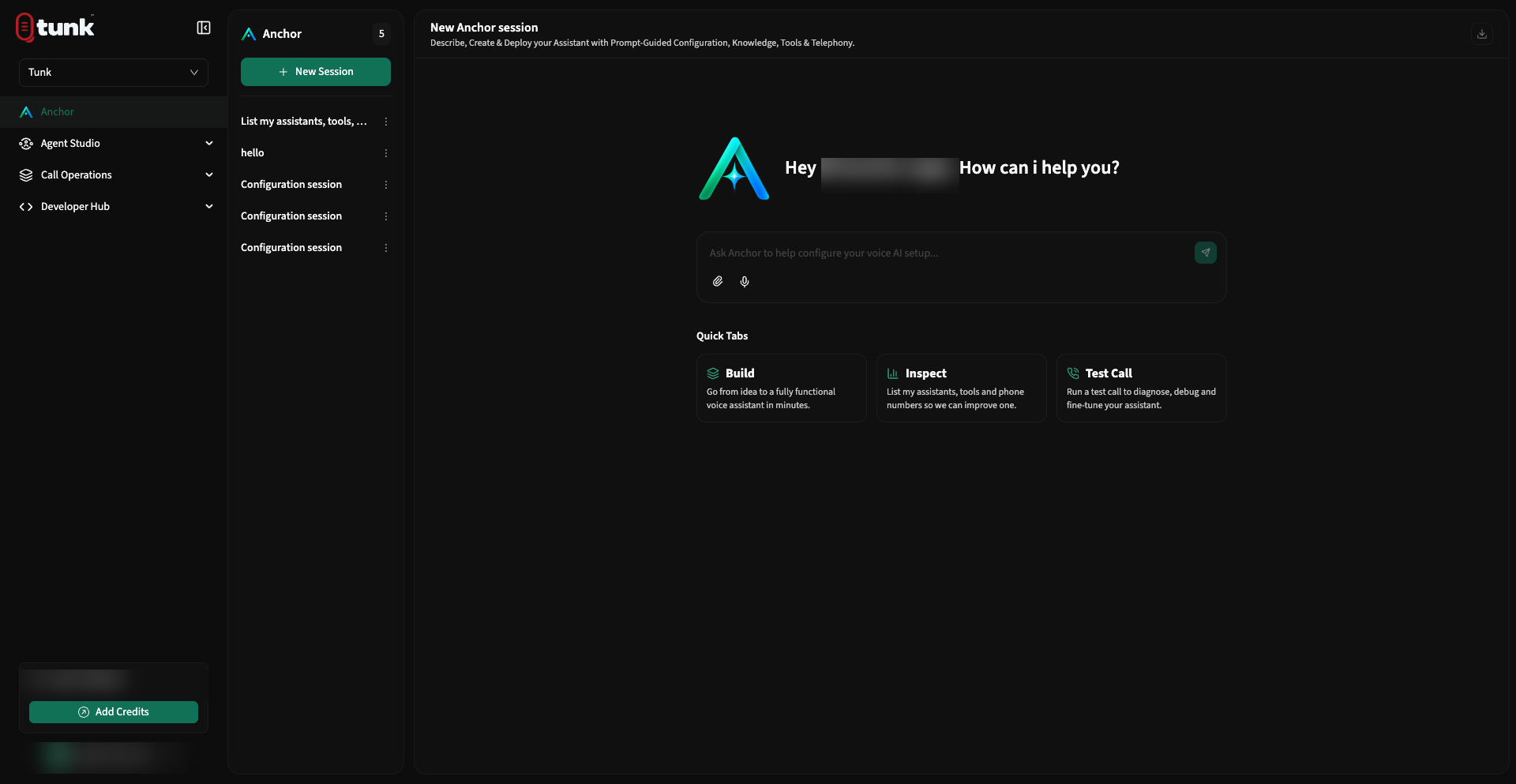 Anchor AI Home
Starter Quick Prompts
When you open Anchor, you can pick from three pre-engineered workflow prompts:
🛠️ 1. Build
Go from idea to a fully functional voice assistant in minutes.
"I want to build a voice assistant for an automotive service clinic. Guide me through role, opening message, tools, and testing."
🔍 2. Inspect
Audit your workspace assistants, tools, and phone numbers.
"List my assistants, tools, and phone numbers in this workspace. Then suggest what we should tune next."
📞 3. Test Call
Diagnose live call failures, latency, and tool invocations.
"Help me place a test call for my assistant, interpret failures, and fix configuration if something breaks."
Real-Time Tool Execution & Workspace Inspection
Anchor can inspect and query your workspace directly using specialized agent tools:
agent_list: Retrieves all registered voice assistants and their current configuration status.tool_list: Inspects configured REST API endpoints, parameters, and MCP bindings.phone_number_list: Checks active telephony providers, carrier bindings, and assigned phone numbers.
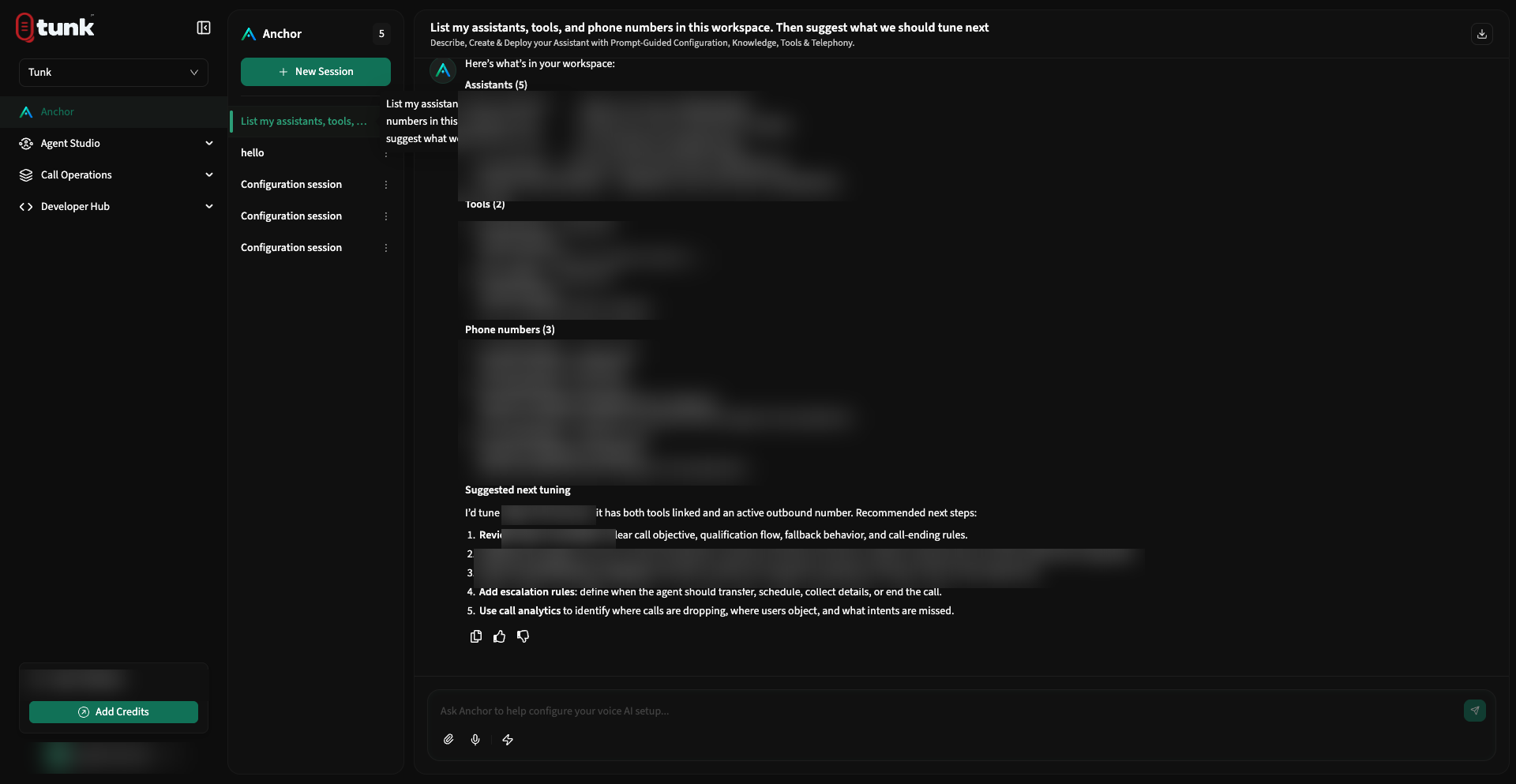 Anchor Live Tool Invocation
In-Browser Test Calls from Anchor
You can place and test call sessions directly inside the Anchor interface:
- Click the Phone / Web Call icon in the Anchor composer toolbar.
- Select the assistant you want to test.
- Anchor establishes an in-browser WebRTC audio stream. Speak with your assistant to evaluate response quality.
- Once finished, Anchor automatically reviews the conversation transcript, highlights any unhandled customer inquiries, and suggests prompt adjustments.
Session History & PDF Export
- Session History: All previous conversations with Anchor are preserved in the left sidebar. You can rename sessions or delete old logs anytime.
- Export to PDF: Click the Download PDF button at the top of any Anchor thread to generate a styled audit report containing the conversation timeline, tool payloads, and prompt recommendations.
Need help? Reach out on our support portal.